Offline - Online Cashier Application
For Your Business
Kasir Pintar Pro - Plugin
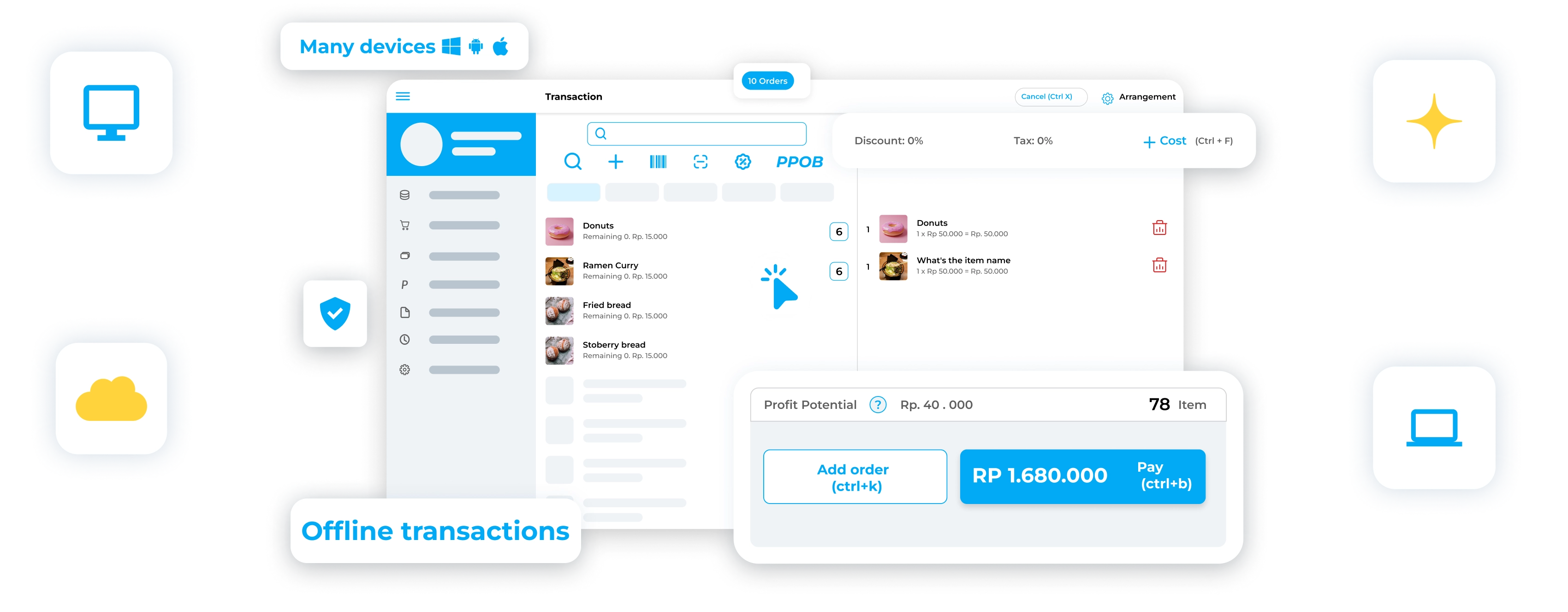
Record sales quickly with offline transactions using the Offline Cashier Plugin from Kasir Pintar.
Ideal for minimarket owners who have a PC/Laptop to run their business.
What is the Plugin POS Offline?
The Offline POS Plugin is an additional application that allows you to make transactions in the Kasir Pintar application while offline.
Features that can be used offline for transaction activities include adding sales, purchases, returns, and more.
*) some activities like login still require an internet connection initially.
Terms and Conditions of Use
- Subscribe to Kasir Pintar Pro Application
- Subscribe to the Offline POS Plugin (Start Subscription Here)
Advantages of the Offline POS Plugin
Smooth Offline Transactions
Don't let slow connections disrupt your sales. The Offline POS Plugin will help you record transactions offline with a centralized method (server).
Manage Multiple Cashiers
The Offline POS Plugin is suitable for those of you who have multiple cashiers because it can handle multiple cashiers at once and is centralized in one server account.
Faster Performance
Don't worry about serving many customers; with the Offline POS Plugin, you can record transactions quickly without relying on an internet connection.
There are 2 Types of Applications that are Mandatory to Install
when using the Offline POS, namely:
1

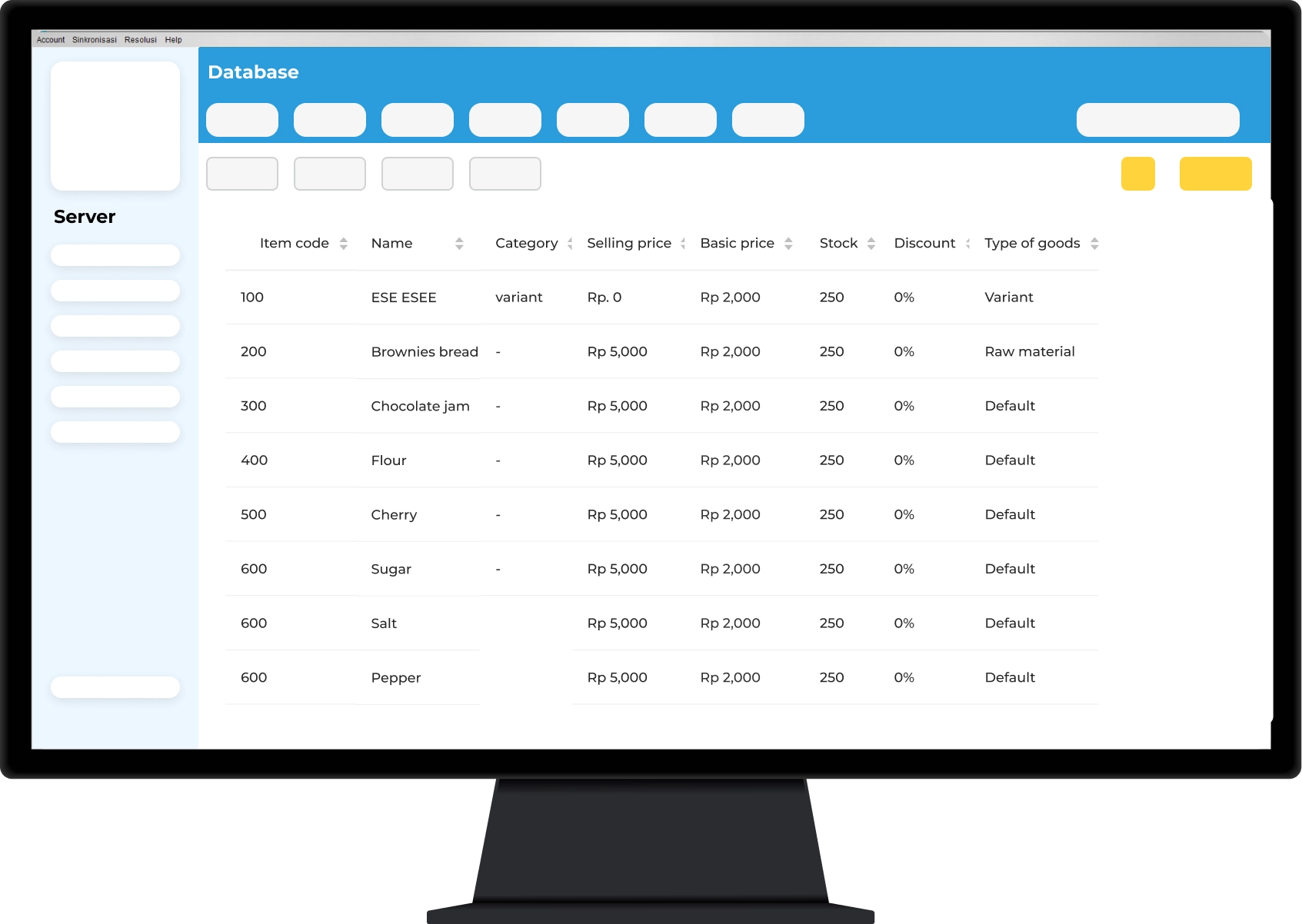
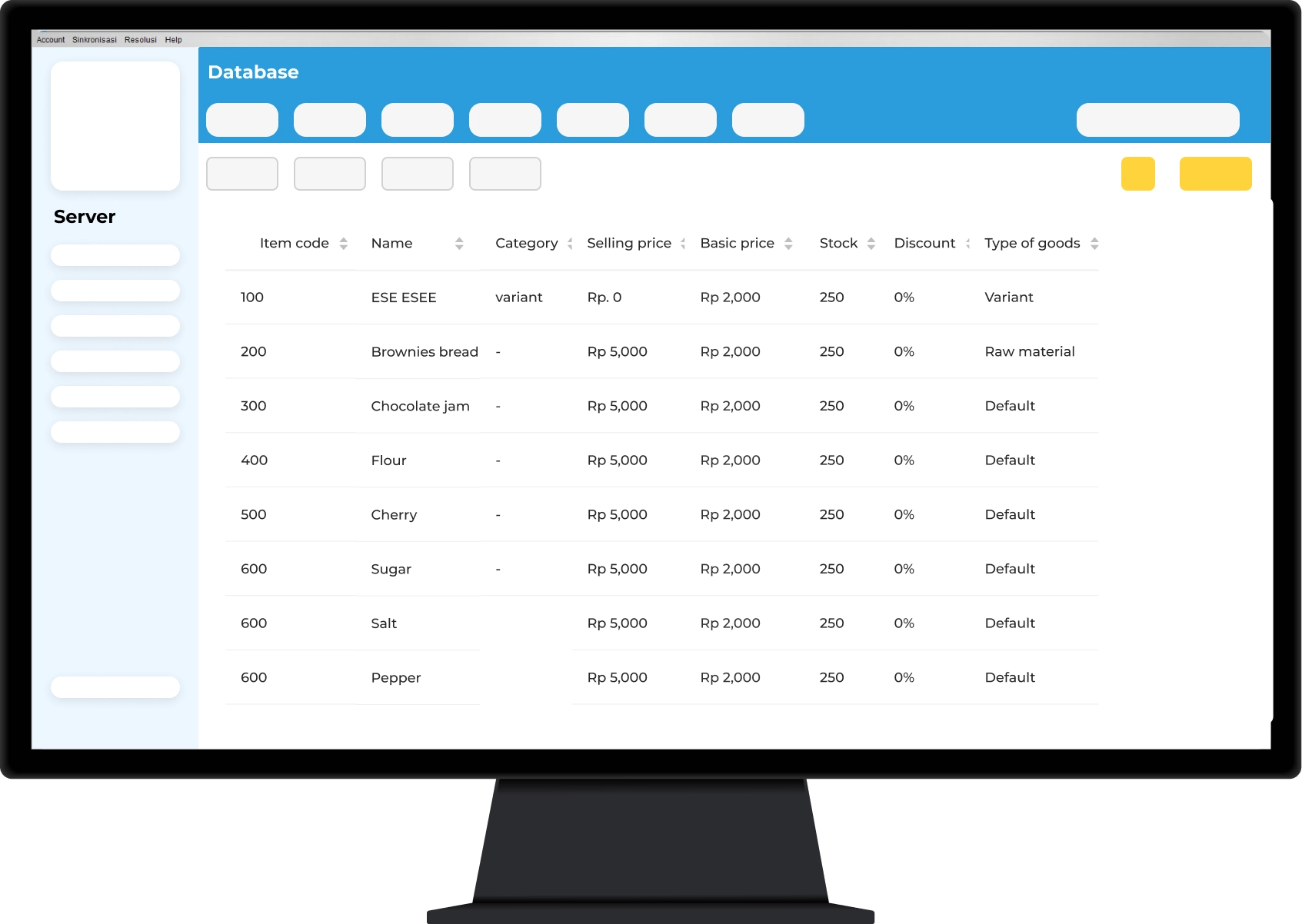
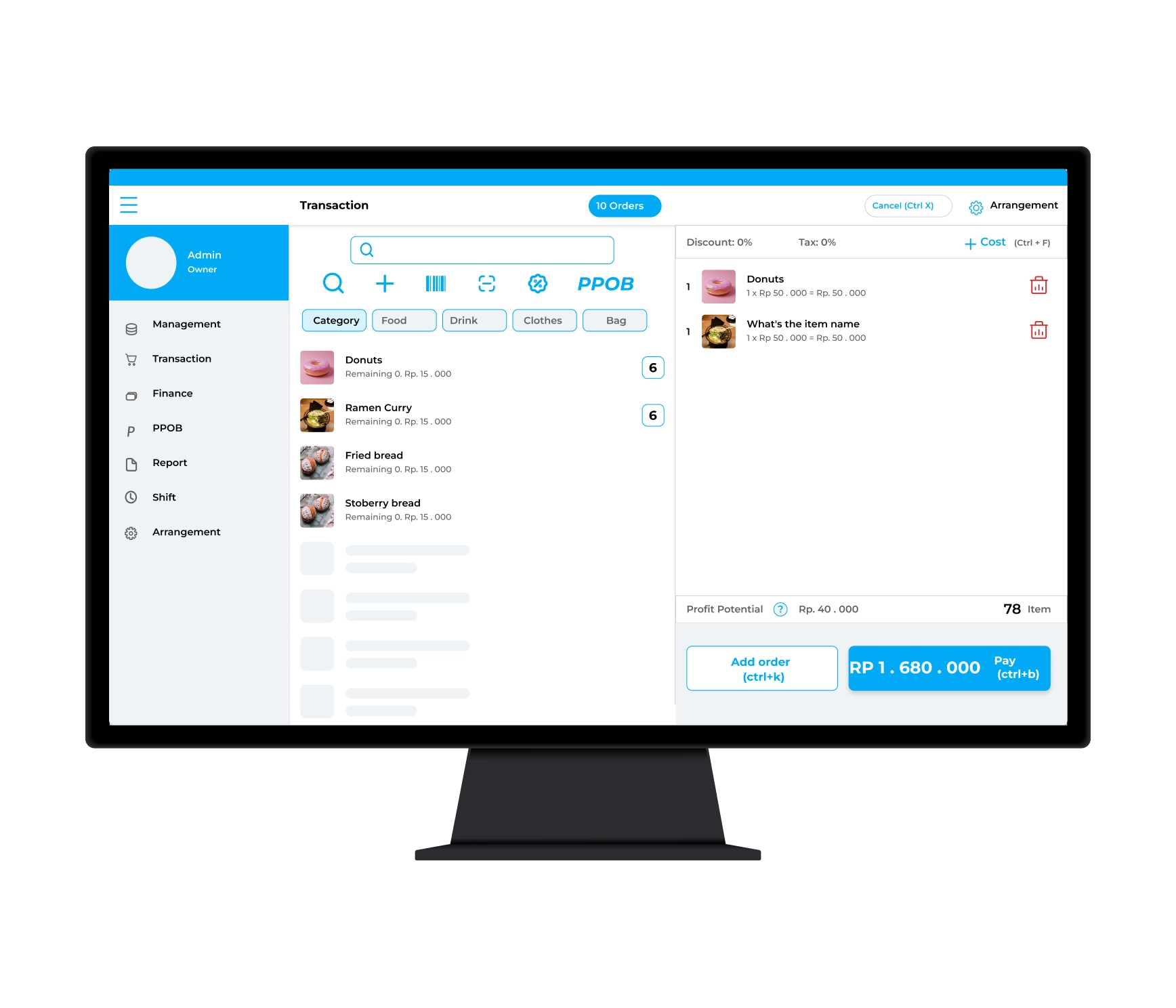
Kasir Pintar Offline (Server)
The Desktop mode Application that helps you manage the database & monitor your business reports.
Minimum PC/Laptop Specifications:
Windows 8 64 bit | RAM 4 GB | Intel Dual Core
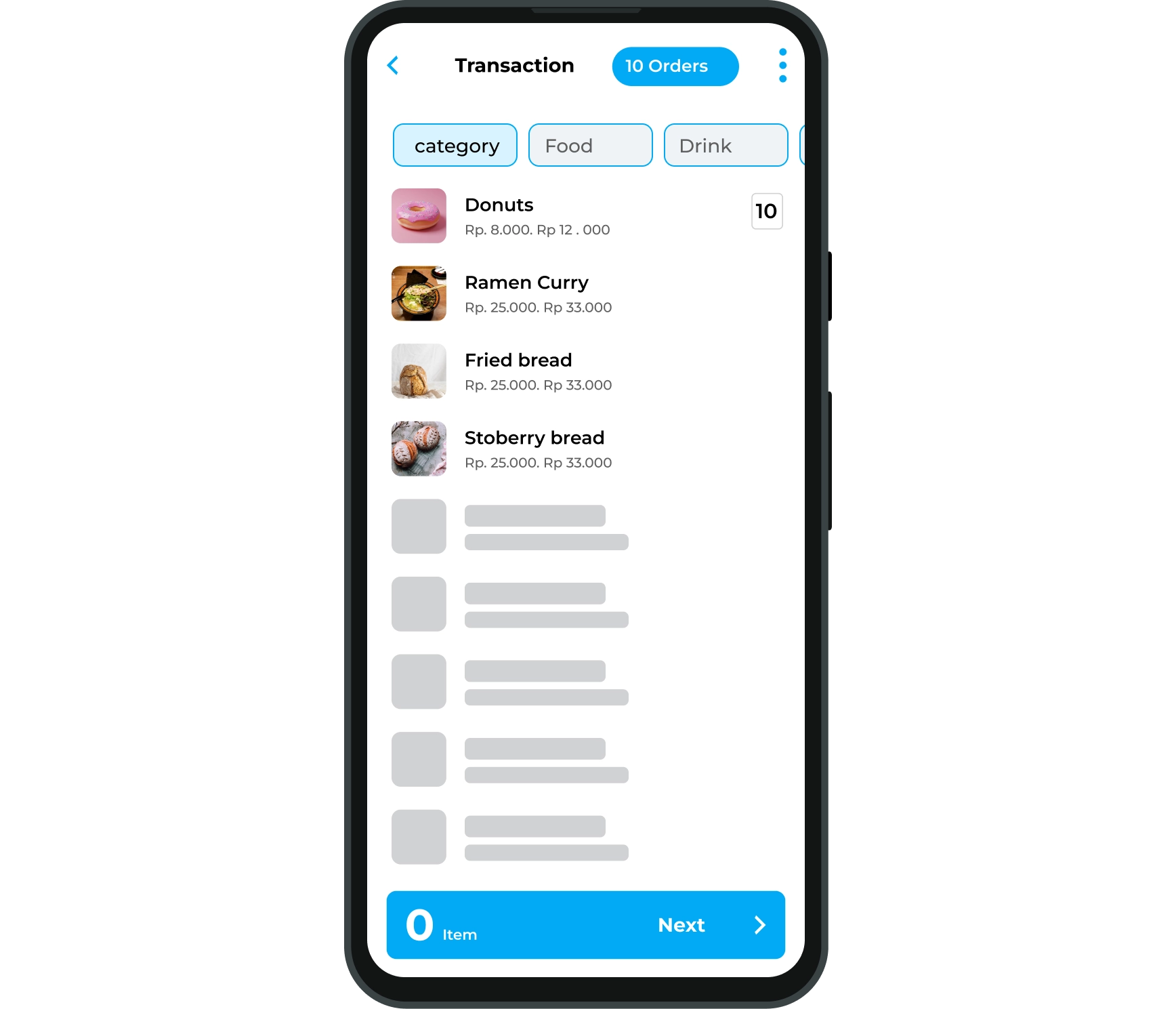
2

Kasir Pintar Offline (Client)
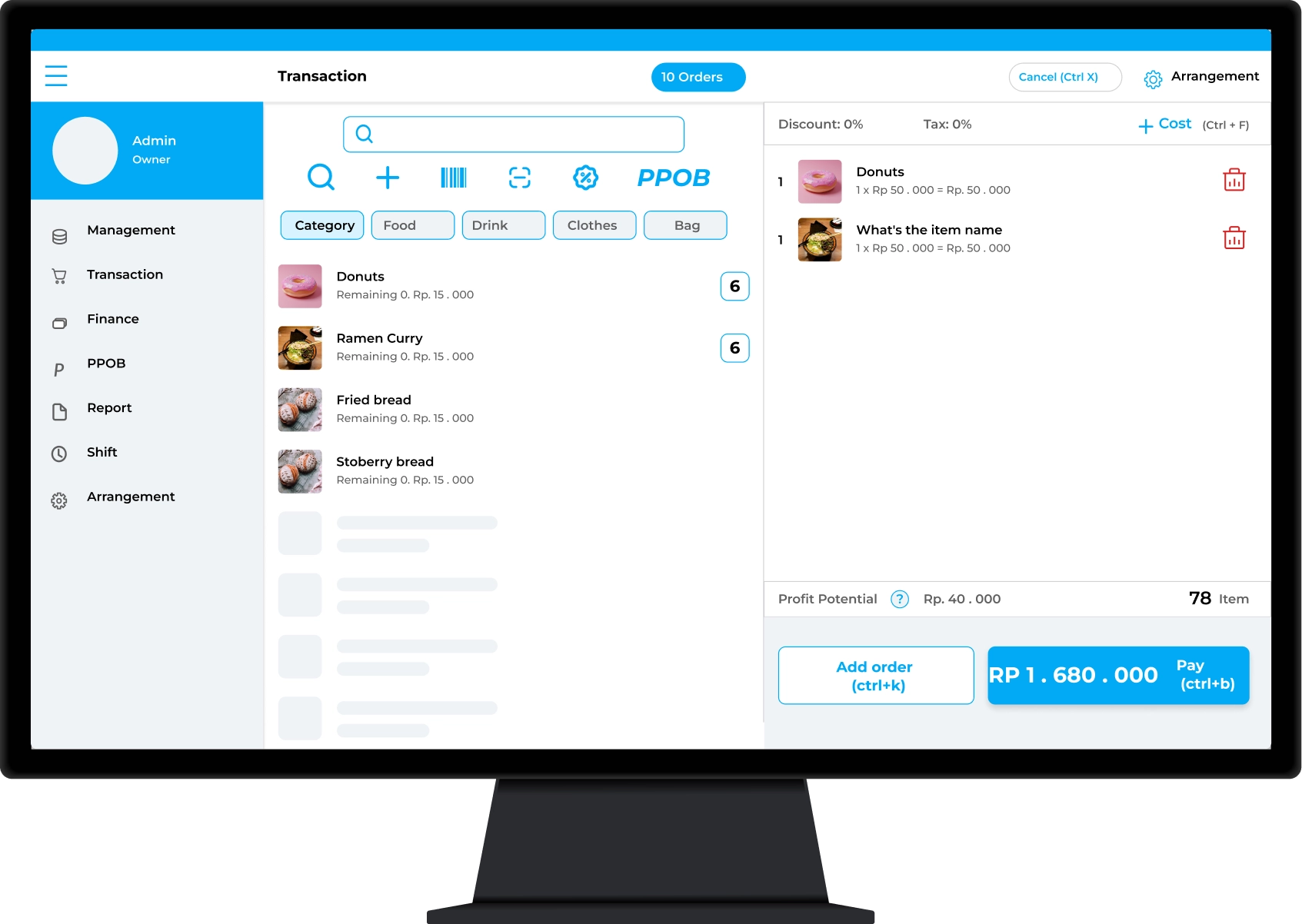
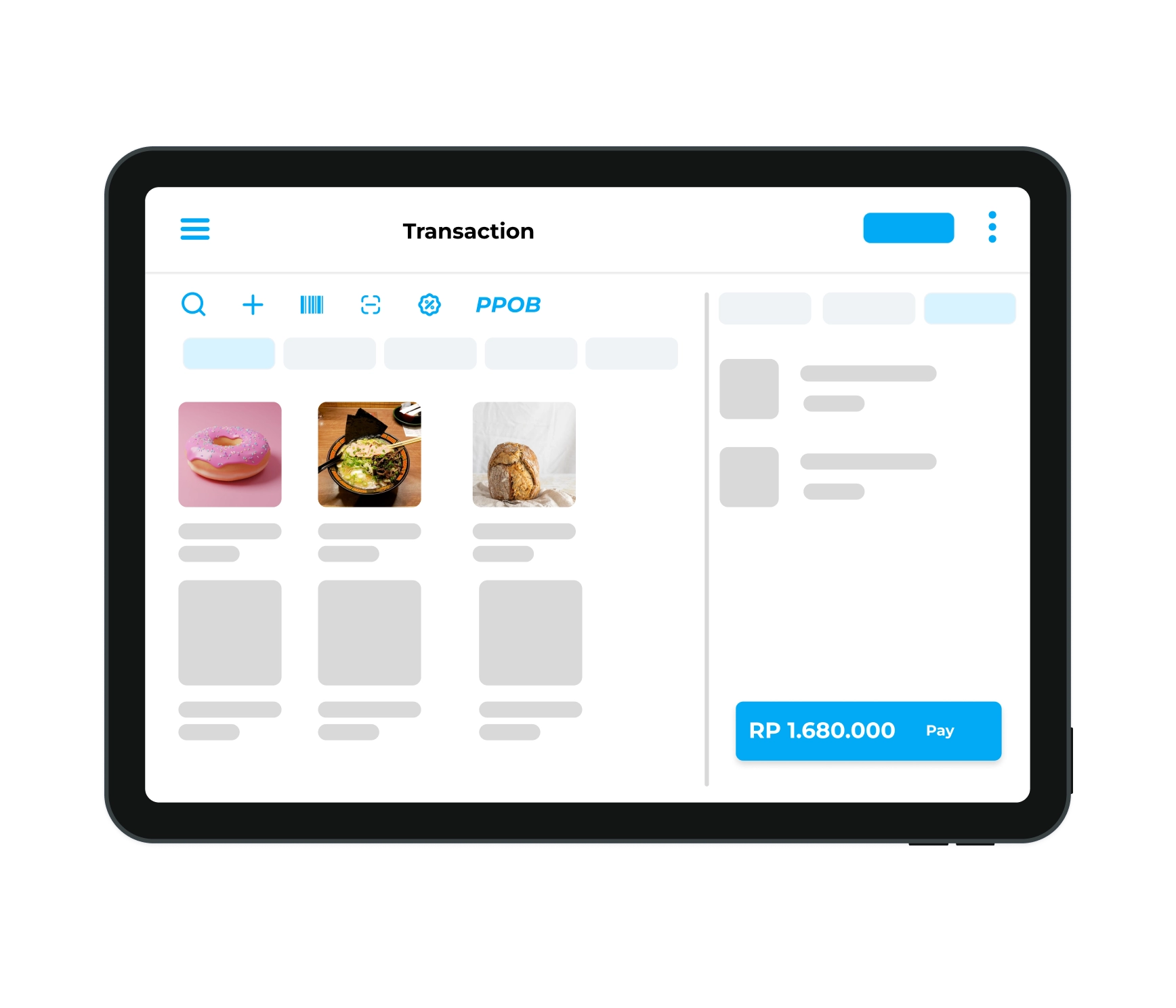
The Application that makes it easy for staff to perform transactions and maintain inventory data accuracy.
Choose a device that suits your operational needs (Must be installed on either PC or Mobile):
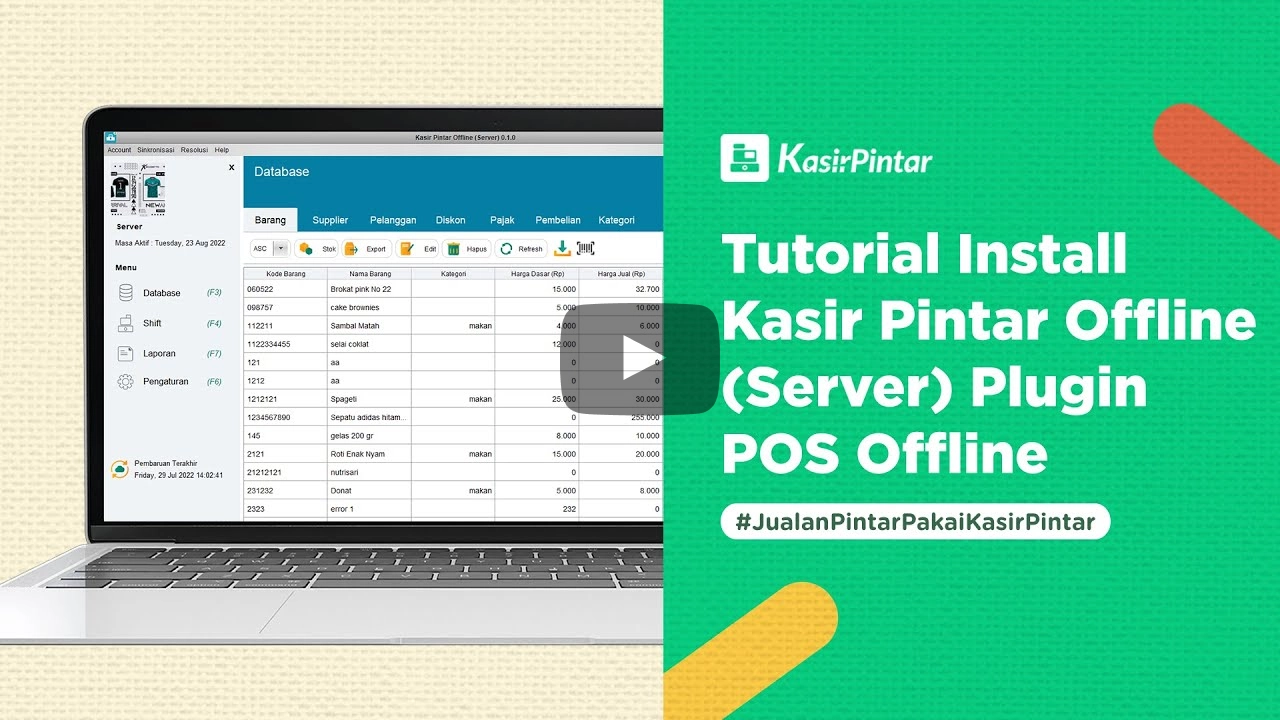
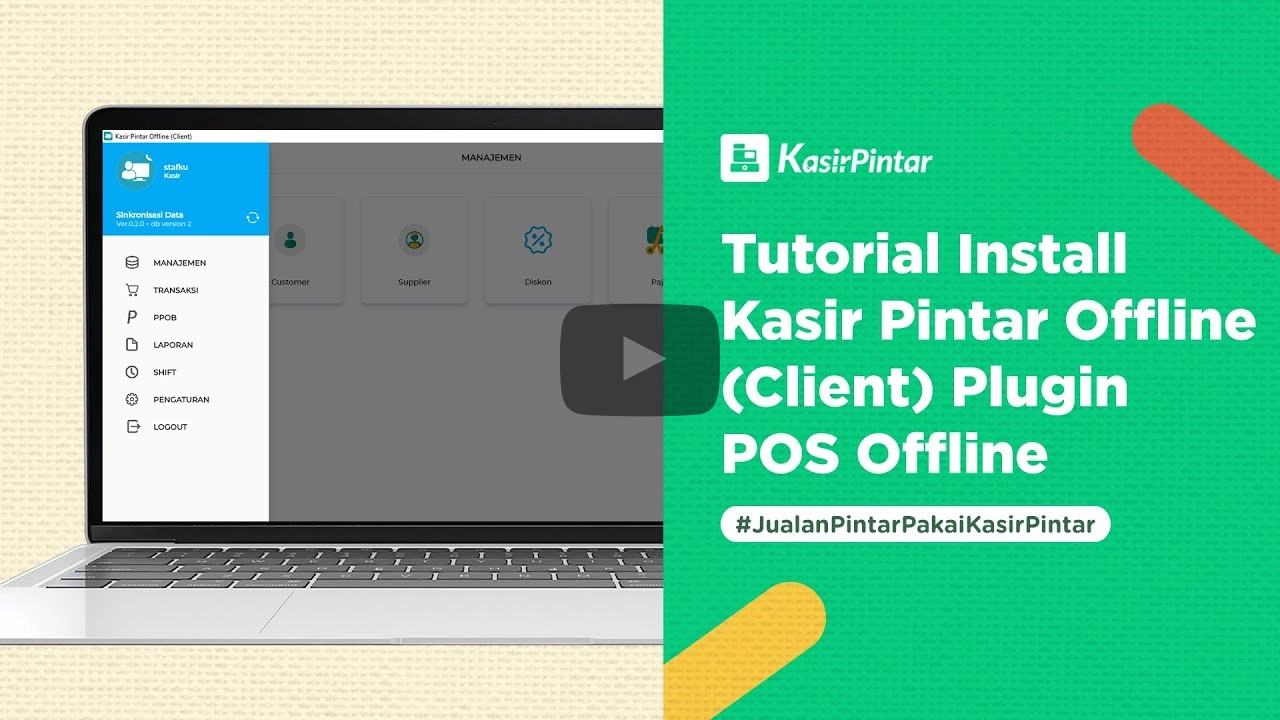
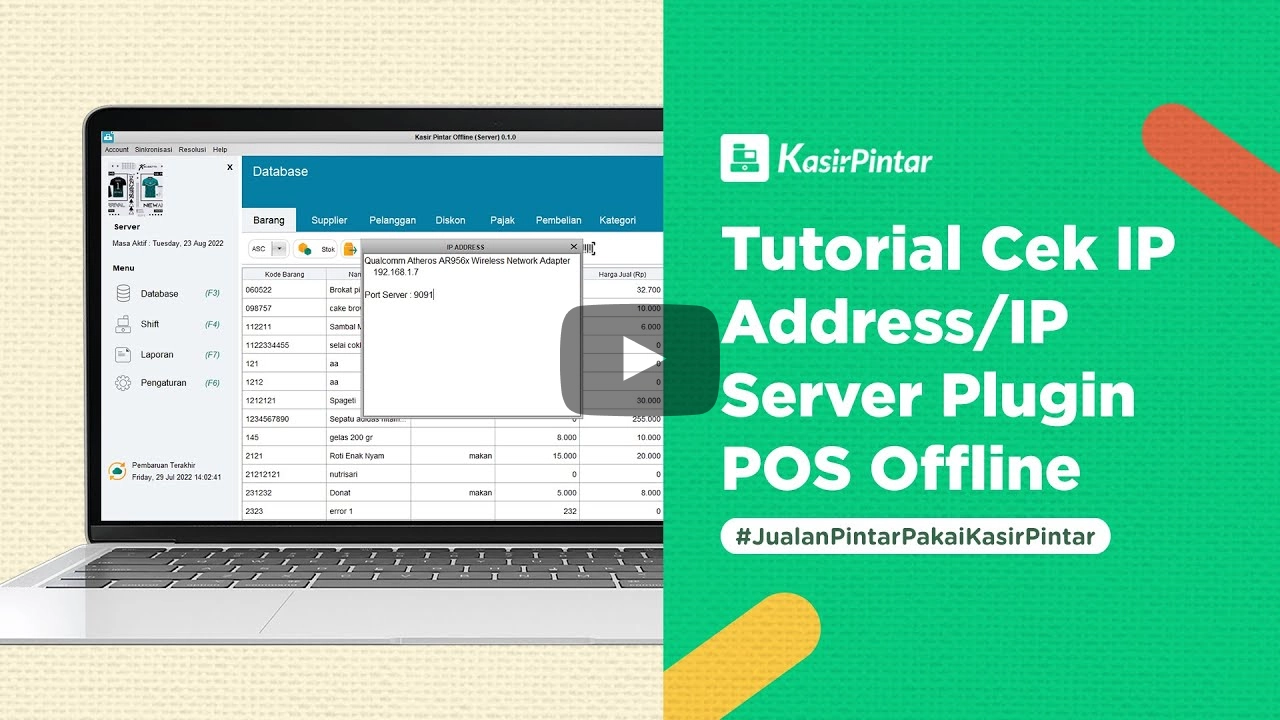
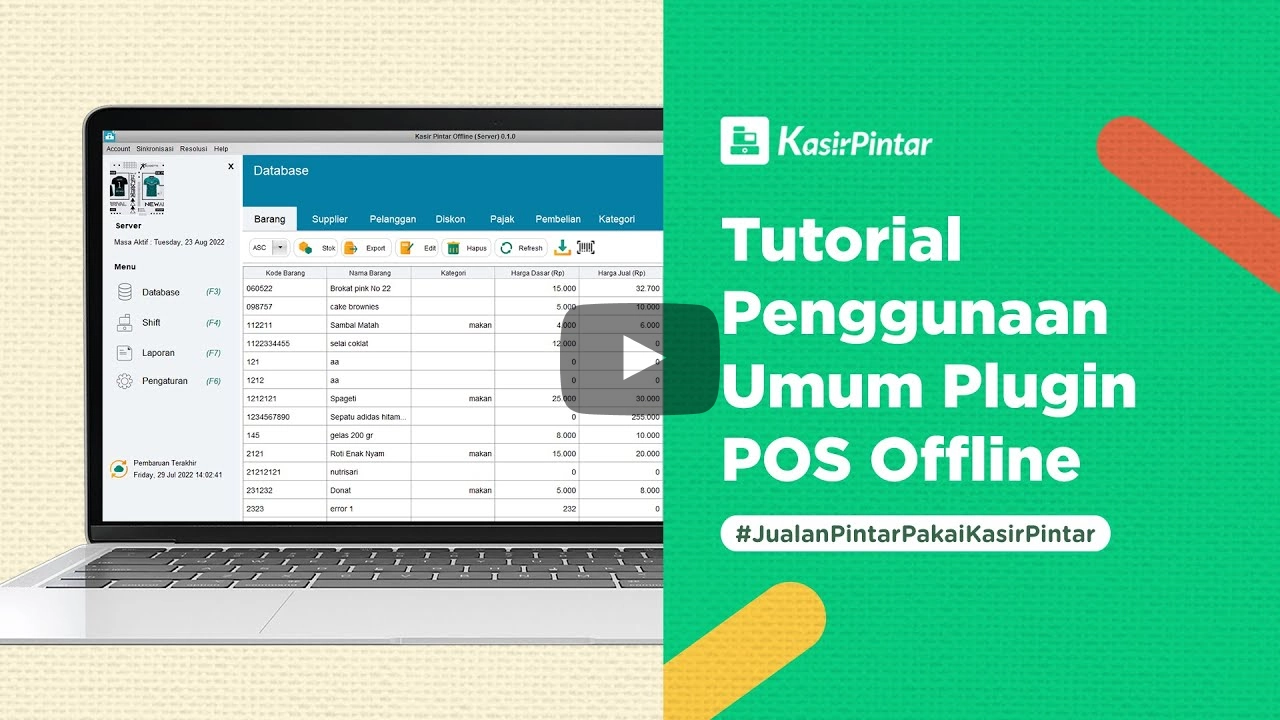
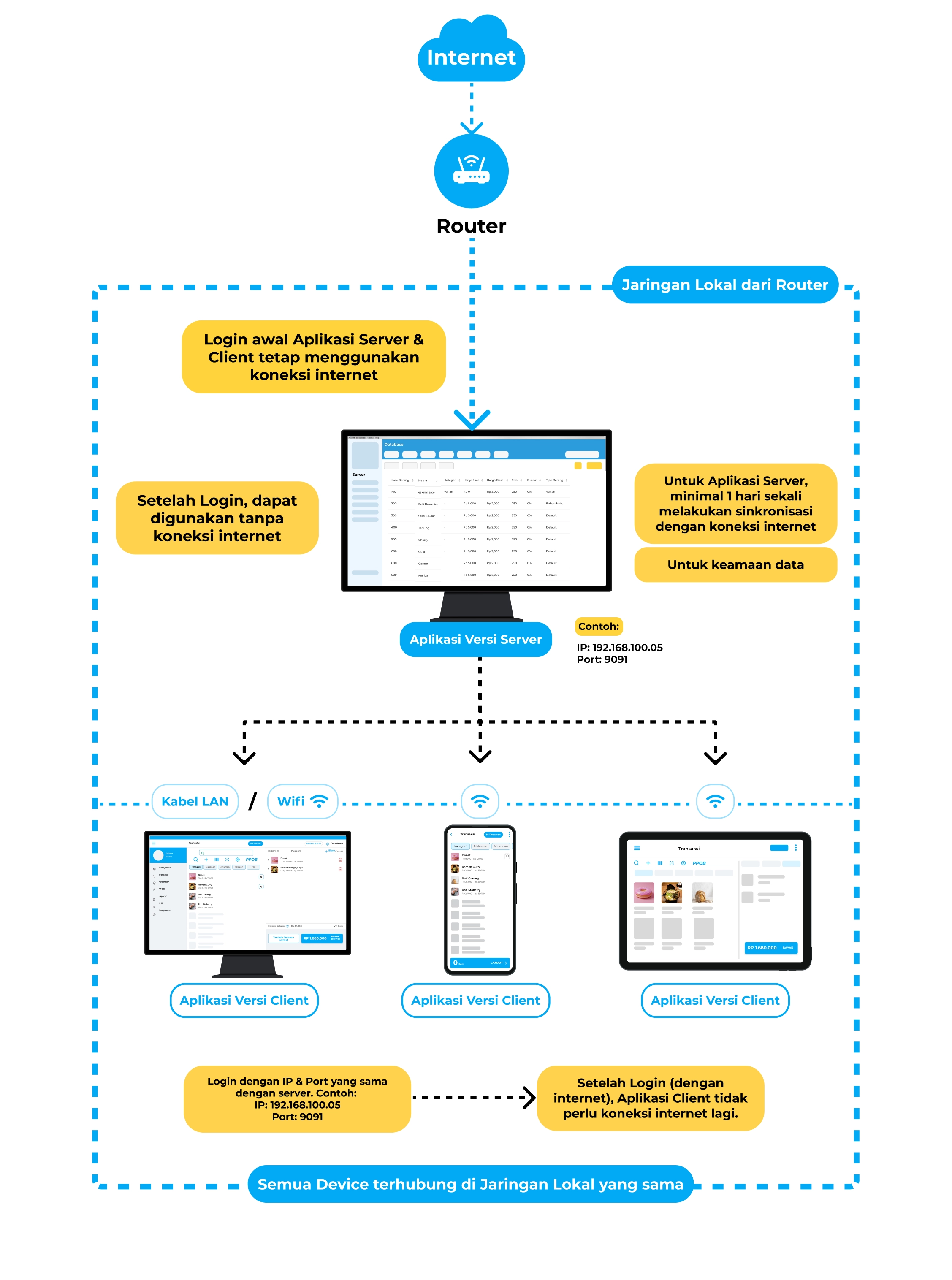
Illustration of Using the Offline POS Plugin
FAQ Plugin POS Offline
Even though the application can be used offline, some activities still require an internet connection, including:
- Initial account login in the Client & Server applications.
- The Server application requires an internet connection at least once a day for data security.
The Server version is intended for Owners to manage the item database in their store, as well as view reports (must be online).
The Client version is intended for Staff to perform transaction activities and maintain inventory accuracy.
POS Offline is a Plugin from Kasir Pintar Pro, Therefore, you must subscribe to Kasir Pintar Pro first and then activate the Offline POS Plugin to access its features. Activate now
Kasir Pintar (Android) is used for transaction activities using an internet connection (online).
Plugin POS Offline can be used offline for transaction activities such as adding sales, purchases, returns, and more. However, to view reports, you still need an internet connection to synchronize data.
If you have any questions about Kasir Pintar Local Server, please contact CS Kasir Pintar or Help Kasir Pintar

Start Business
With Kasir Pintar
Run a business automatically with the Kasir Pintar Application and Free Trial for
30 Days without conditions

Kasir Pintar
Other Products
Office Surabaya
Head Office: Jl. Dr. Ir. H. Soekarno No.19, Medokan Semampir, Kota Surabaya
Office Malang
Branch Office: Jl. Papa Biru No.80, Tulusrejo, Kec. Lowokwaru, Kota Malang, Jawa Timur 65141
Info Kasir Pintar via AI